
The numbers behind your operation, without the admin overhead
Task completion, compliance, cost, incidents and certificate expiry across every venue, in one place and exportable when you need them. So you make decisions on data, not on collation.
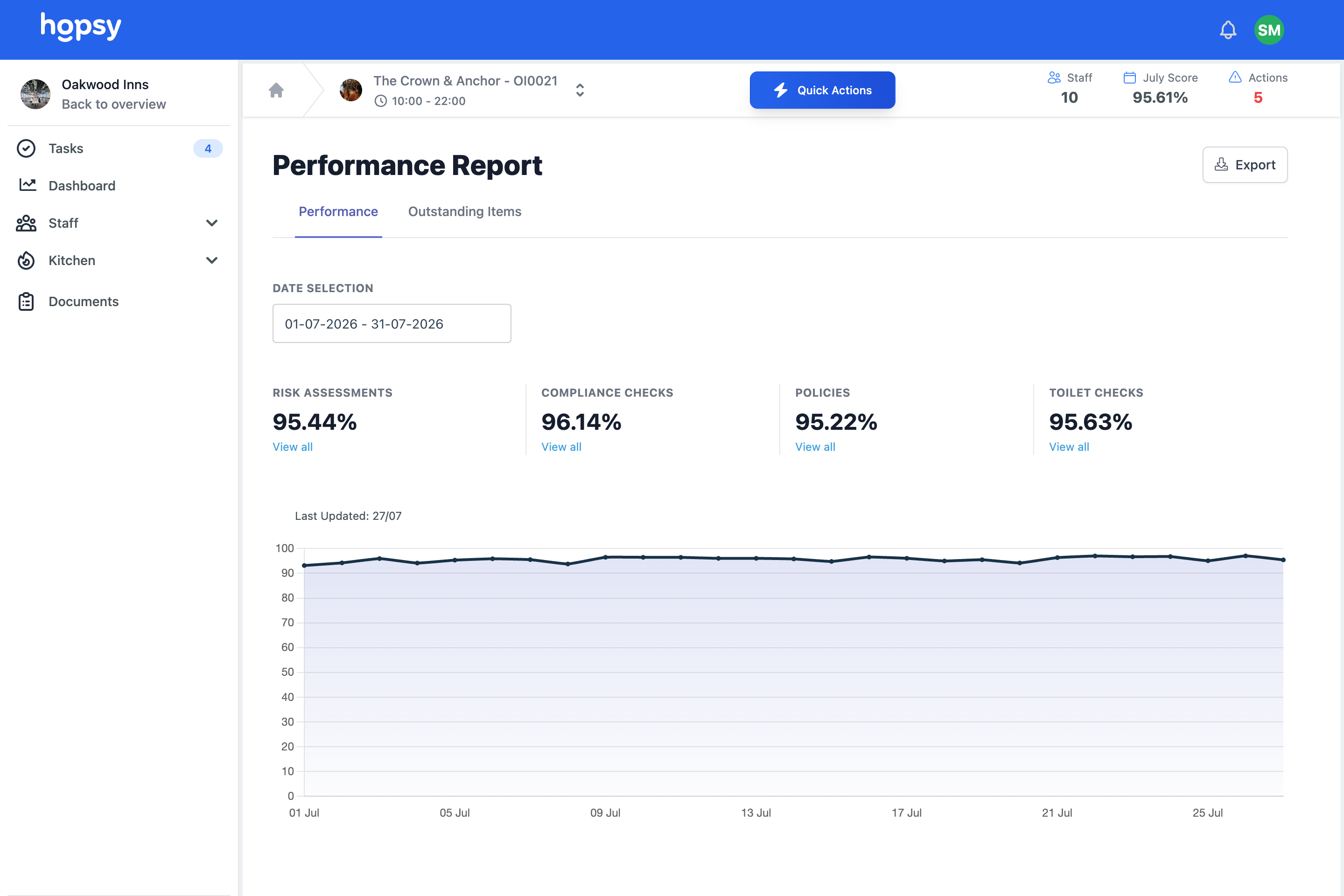
What is Hopsy's reporting and analytics?
Hopsy reporting and analytics brings the numbers behind your operation — task completion, compliance, cost, incidents and certificate expiry across every venue — into one place, with company, area and venue dashboards in real time. You can filter to the exact question and export any view to CSV, so you decide on data rather than waiting for someone to collate it by hand.
The problem, if this sounds familiar
The information exists, it is just scattered and slow to pull together. That causes this.
Reporting eats time.
Someone has to collate information from every site by hand, so the report is always late and always out of date by the time it lands.
Leaders wait for updates.
Owners and directors cannot see performance directly, so they rely on being told, and get the version people choose to share.
Data cannot be shared easily.
When an investor, a funder or a board wants a holistic view across the business, there is no clean way to give it to them.
How reporting and analytics work in Hopsy
Dashboards at every level
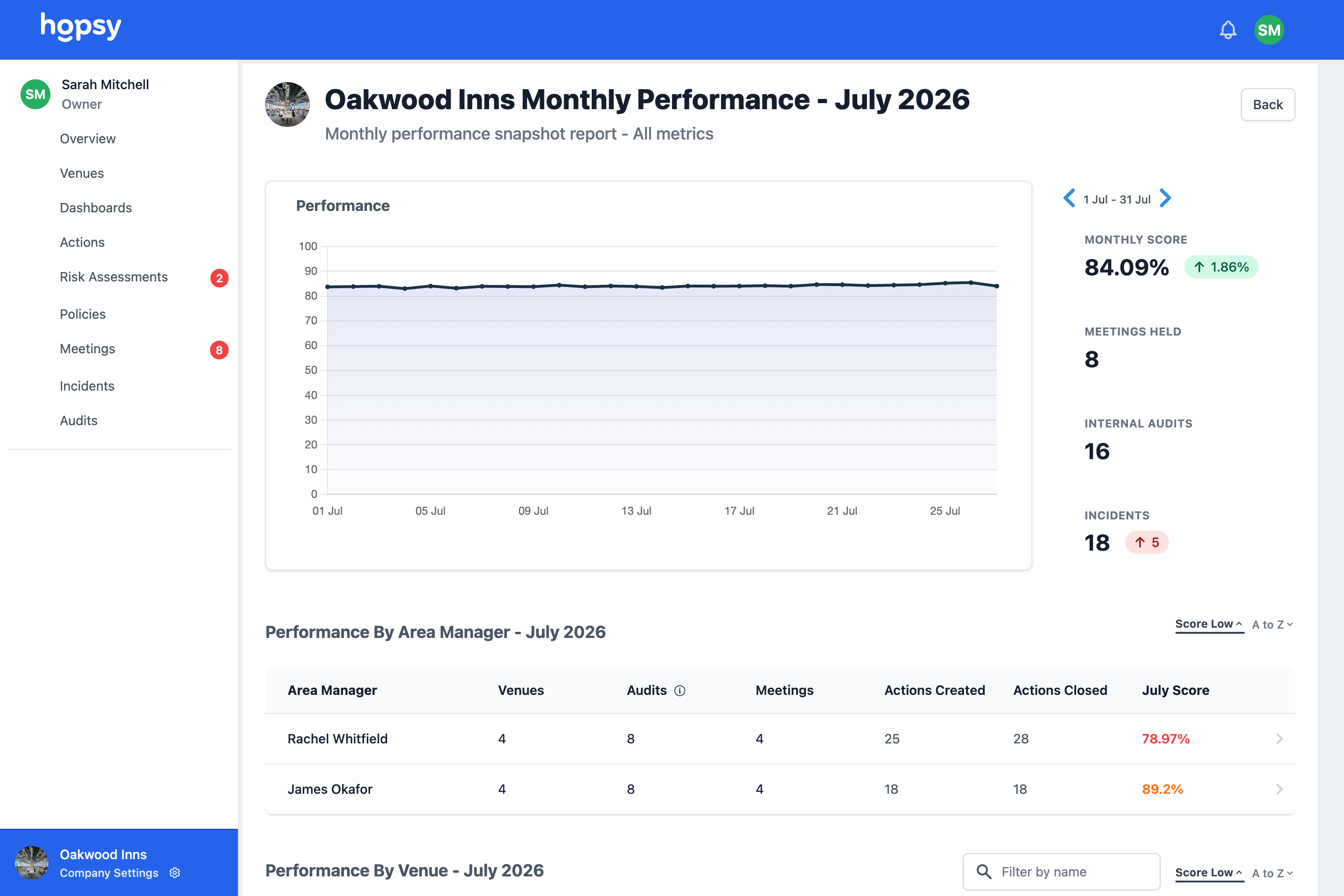
Company, area manager and venue dashboards give the right view to the right person, from a whole group overview down to a single site, in real time.
- Company, area and venue dashboards
- Task completion and missed check reporting
- Policy, action, audit and score reporting
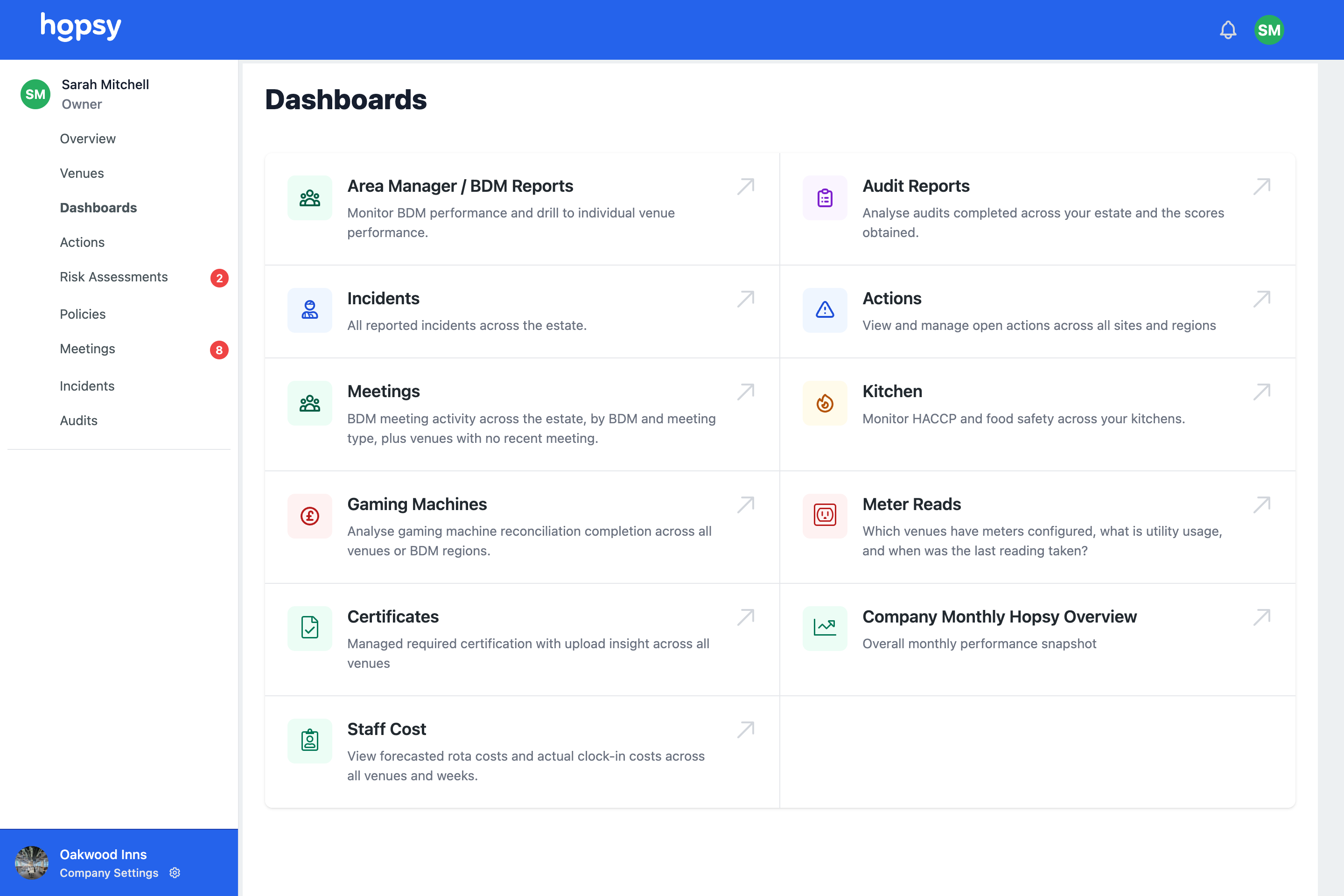
Filter to the exact question
Filter by venue, area manager, status, category, date, contractor or responsible person, so you answer the specific question rather than wading through everything.
- Filter by venue, area, status or date
- Filter by contractor or responsible person
- Answer a specific question fast
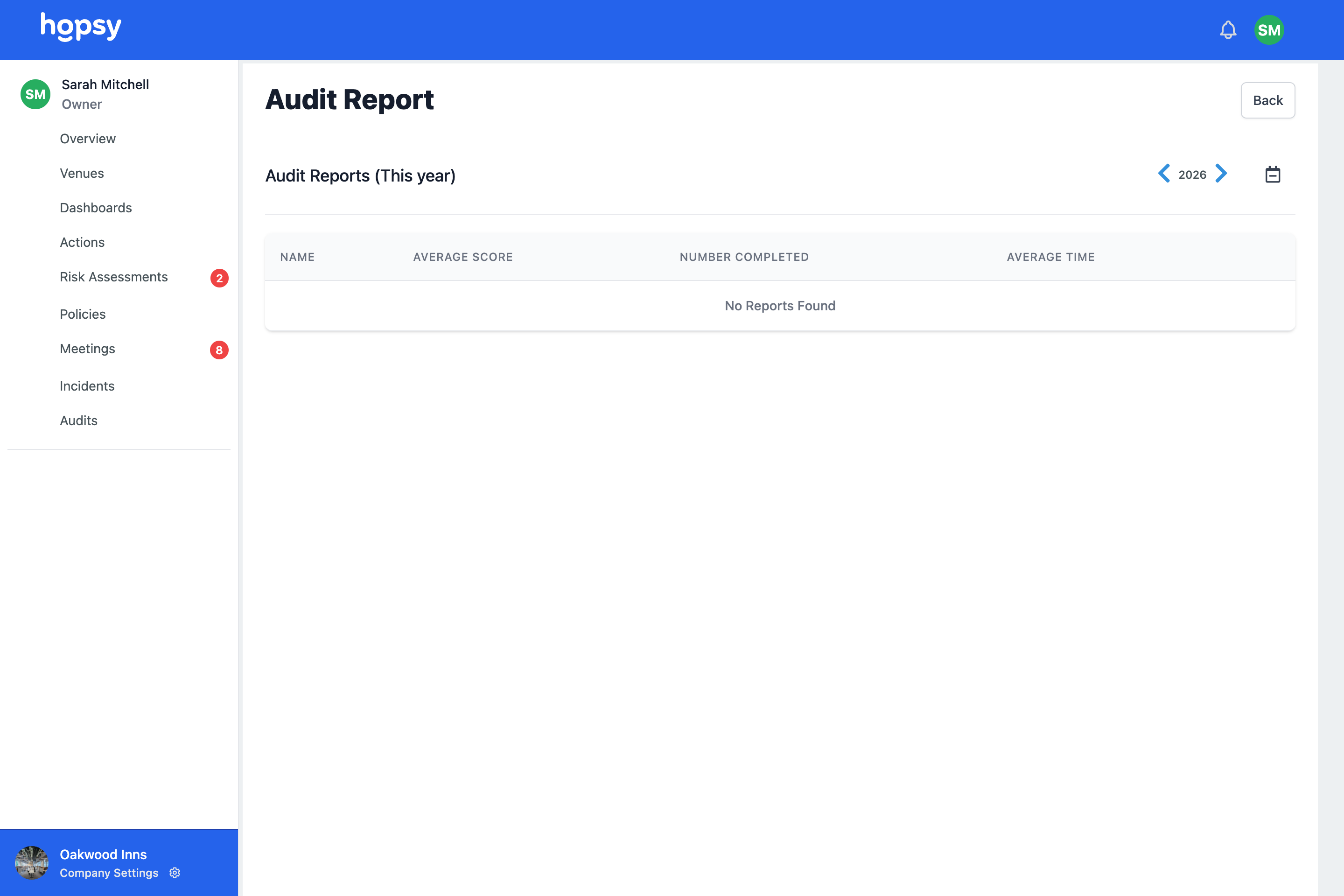
Export when you need to
Any view can be exported to CSV, so data can be shared with an accountant, an investor, a board or a funder without a manual rebuild.
- CSV export from any view
- Share with investors, boards and funders
- No manual collation
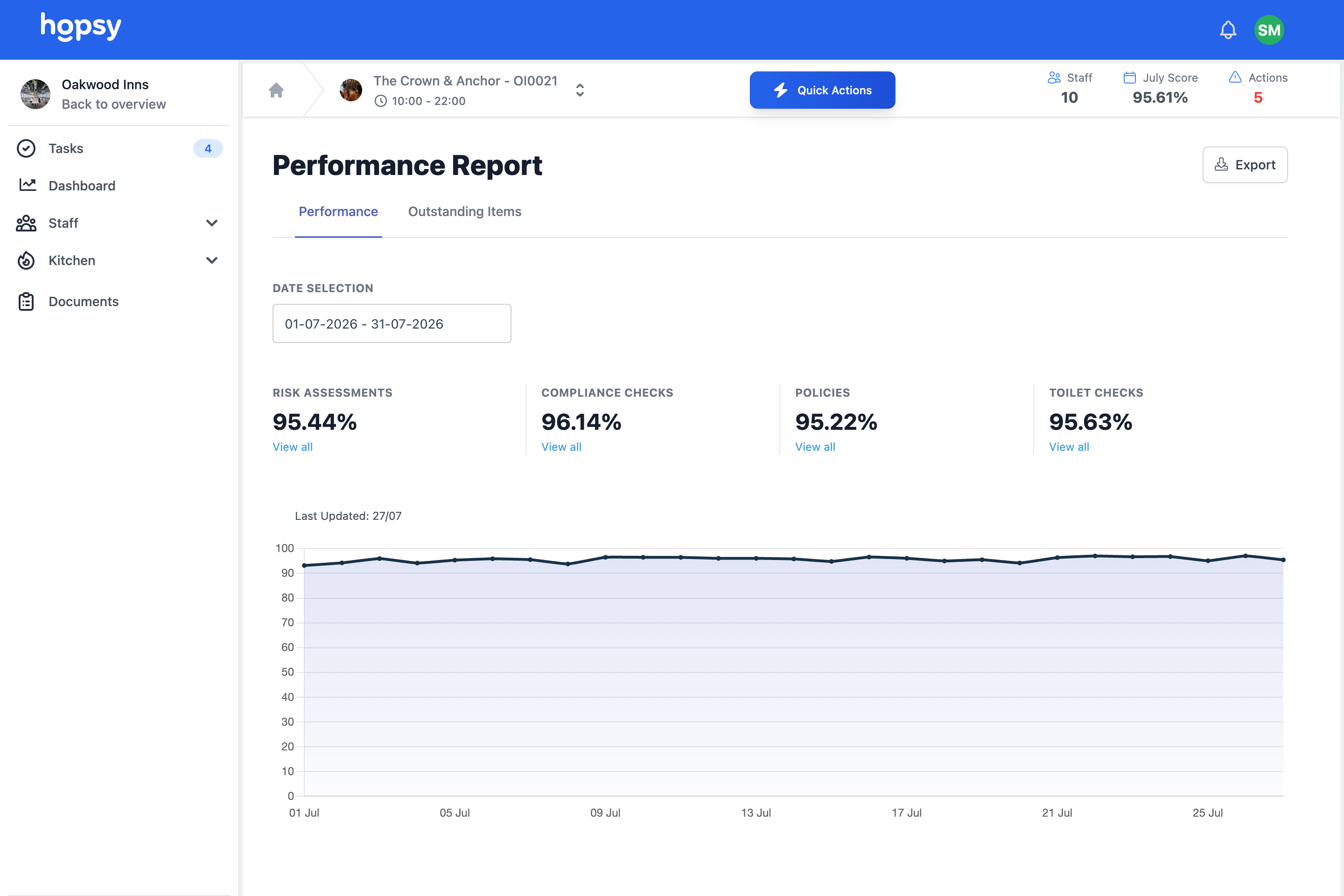
At a glance
- Company, area and venue dashboards in real time
- Task completion, compliance, cost and incidents
- Certificate expiry and audit scores
- Filter by venue, area, status, date or contractor
- Export any view to CSV for boards and funders
See How Hopsy Can Help Your Business
From rota management to compliance and more. Hopsy is there to help you every step of the way.
Each is a way into the same connected system. Start with the one that’s hurting most — every feature builds to one of the five outcomes.
Reporting and analytics, frequently asked questions
What can I report on?
Task completion, missed checks, policy sign off, actions, certificate expiry, audit scores and venue scores, across every venue and filterable to the question you are asking.
Can I export the data?
Yes. Any view exports to CSV, so you can share it with an accountant, a board, an investor or a funder without collating it by hand.
Do leaders need to ask managers for updates?
No. Dashboards give owners and directors a direct, real time view, so performance is visible without waiting to be told.
See your whole operation, without chasing the numbers.
Book an operations review to see reporting across your sites, or start free with a single venue.